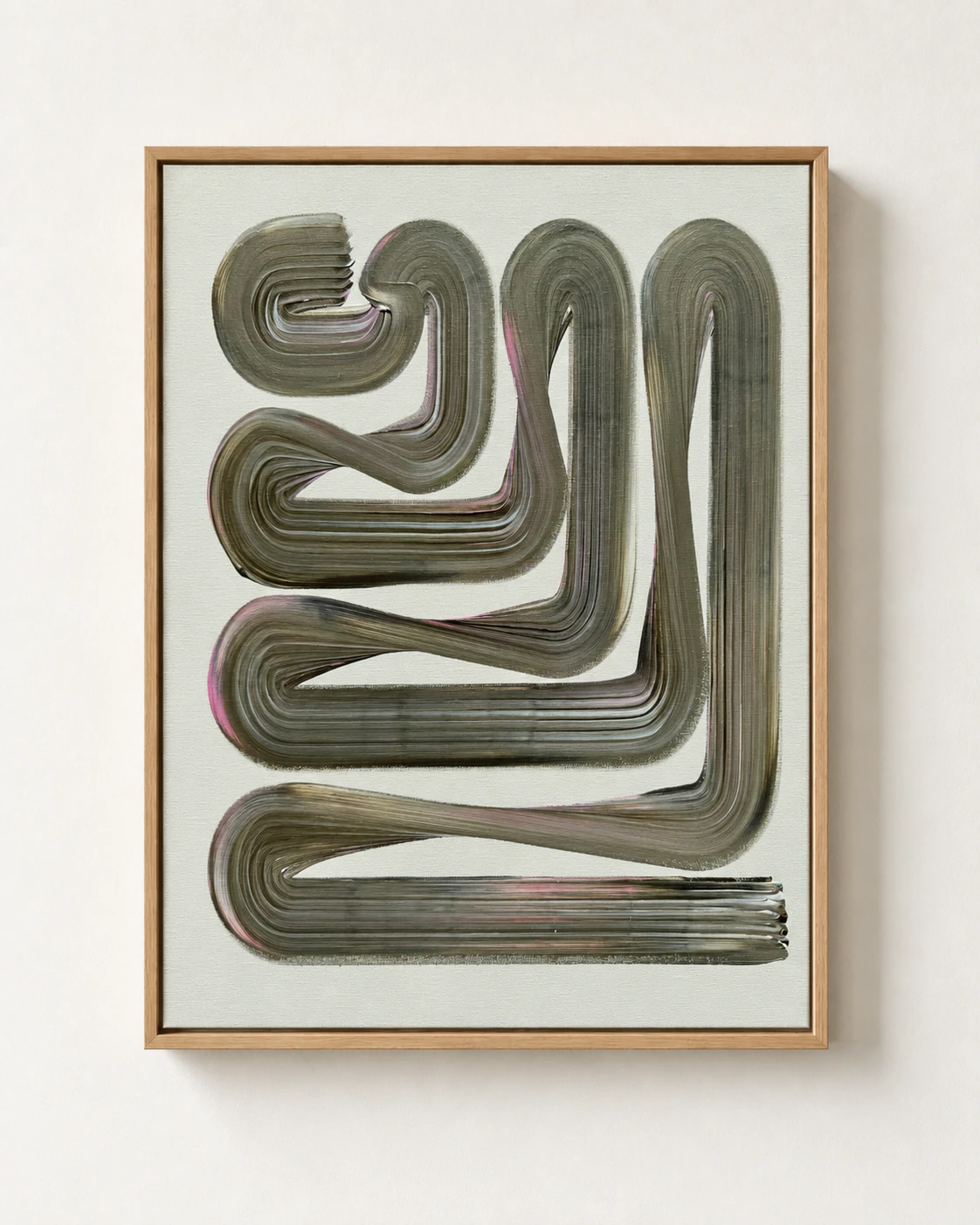
From Code to a Physical Artwork
How a line made in OpenProcessing becomes a path for a plotter, then a mark on paper or canvas.
A practical overview of one Arcos workflow from code and SVG to plotter movement, ink, acrylic paint, paper, and canvas.
View related workOne Arcos workflow starts with a custom line system made with code and tested in OpenProcessing. Each run can produce a different variation.
Arcos reviews those variations and chooses one to continue. The point is not to use every generated result, but to find a line worth turning into a physical work.
From code to SVG
The chosen line is exported as an SVG. Because the file stores vector paths, it can be scaled to the real dimensions of the paper or canvas without turning into a pixel image.
The SVG is then prepared in Inkscape for position, orientation, and size.
Preparing the plotter
Before the work begins, movement speed and tool height are adjusted for the chosen surface and tool.
A technical pen on paper needs a different setup from a brush moving through acrylic paint on canvas.
The same path can make different marks
On paper, the plotter draws a controlled ink line. On canvas, it moves a brush through paint, creating a wider and less predictable mark.
The plotter follows the digital path, but the final mark depends on the tool and material.